Two new views to stay ahead of stockouts
New
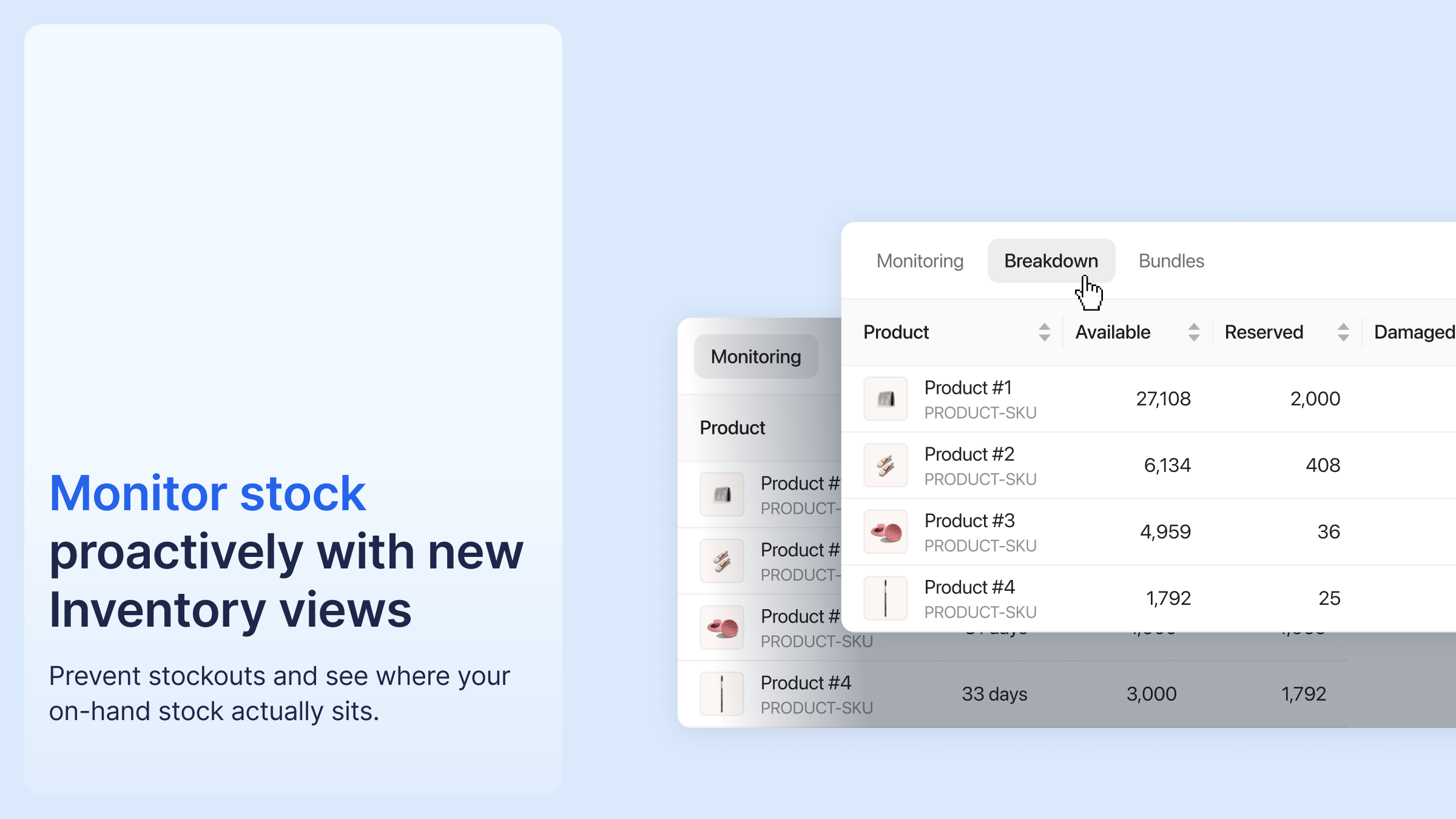
The Inventory list now has two dedicated views, and warehouses have moved from a filter to tabs.
Monitoring (the default) is built for stockout prevention: available stock, remaining days of inventory, and incoming units, sorted by average daily sales so best sellers come first.
Breakdown shows on-hand stock split by state: Available, Reserved, Damaged, Expired, and Blocked. The former Unavailable column is now split into those states, and Blocked appears for merchants using lot tracking.
Merchants using Bundles also get a Bundles view. The cubic volume KPI has been removed for now.
Available on the Inventory list.




%20(1).png)





%20(1).png)
.png)

.png)


%20(1).png)


