Turn lot tracking on or off after creating a product
Improved
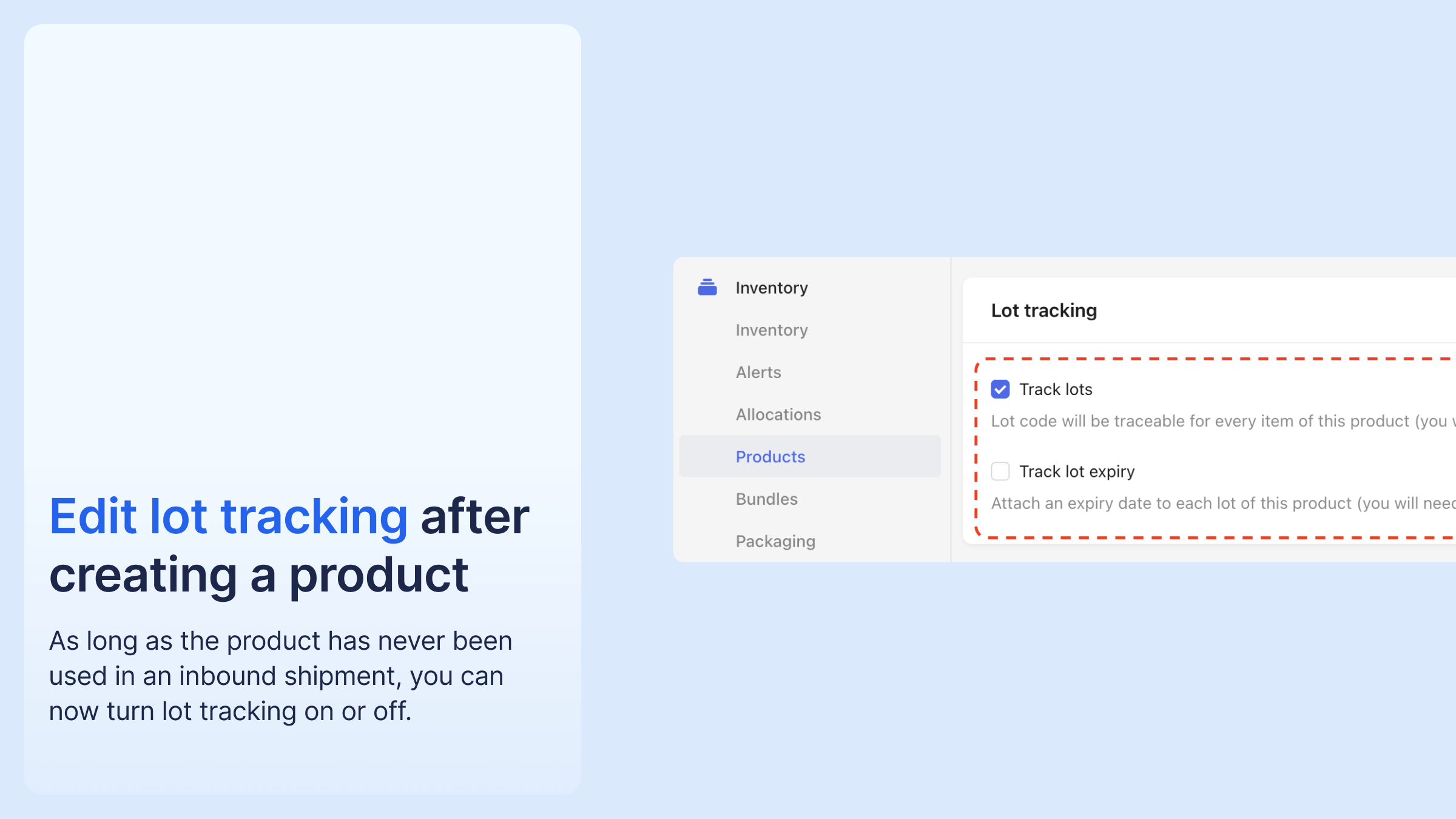
A product's lot-tracking setting can now be changed after the product is created. The condition is that the product has never been used in an inbound shipment, meaning it has no stock on hand.
This rule is deliberately strict for now and may be relaxed later. It mainly fixes configuration mistakes made during catalogue setup or CSV import, which previously required recreating the product.
Change the setting on the product page.




%20(1).png)





%20(1).png)
.png)

.png)


%20(1).png)


