See which lot shipped on every order
New
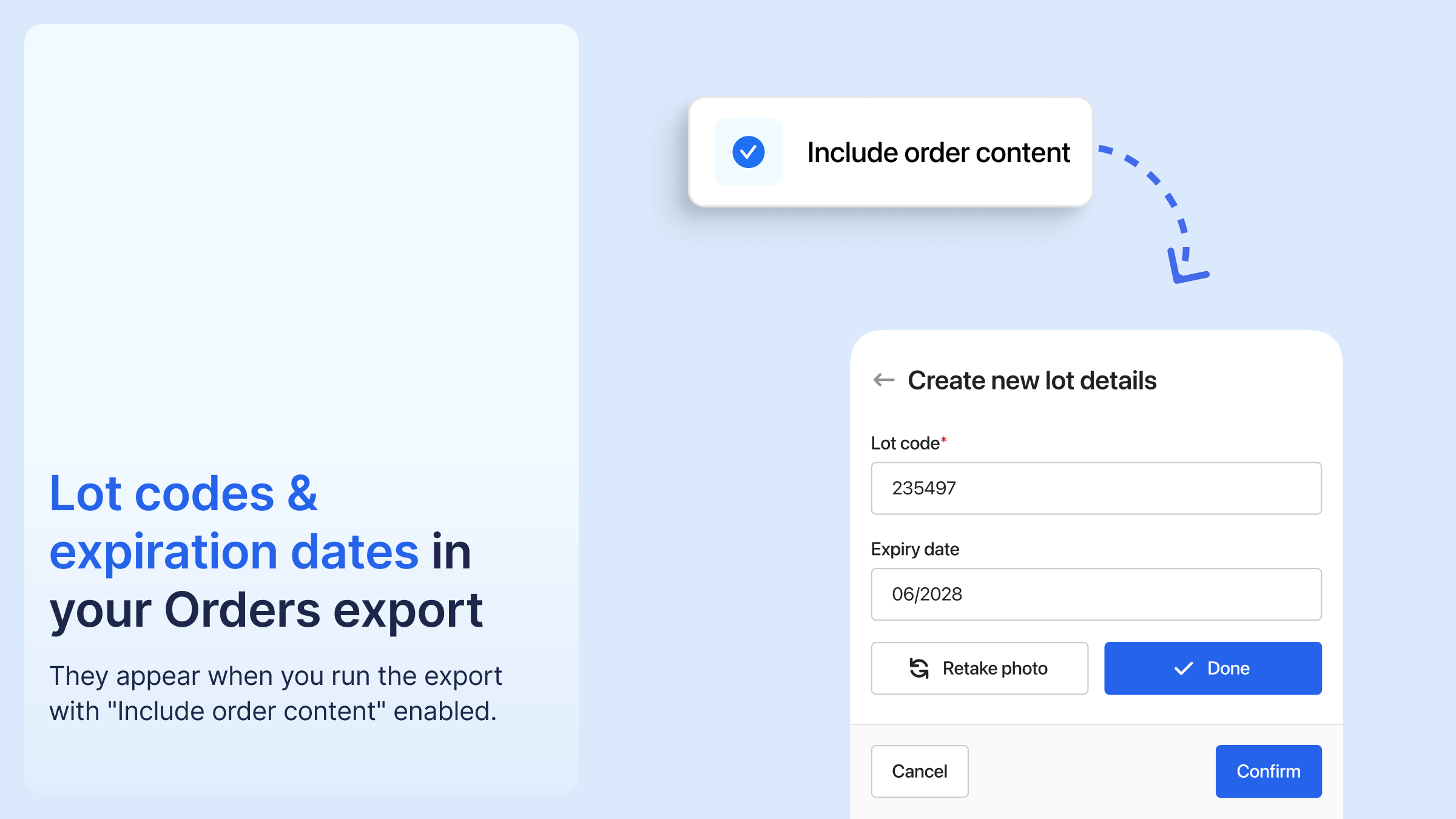
The Orders export now includes the lot shipped on each order line, through two new columns: Line Product Lot Code and Line Product Lot Expiration Date.
When a product shipped across more than one lot, the export splits that order line into one row per lot, each with its own quantity.
That makes recalls, compliance records, and expiry questions a lookup instead of an investigation: you can see which orders contained a given lot, and support can confirm the exact lot and expiration date shipped on any order.
To use it: run your Orders export with "Include order content" turned on.




%20(1).png)





%20(1).png)
.png)

.png)


%20(1).png)


