Get alerted before you run out of stock
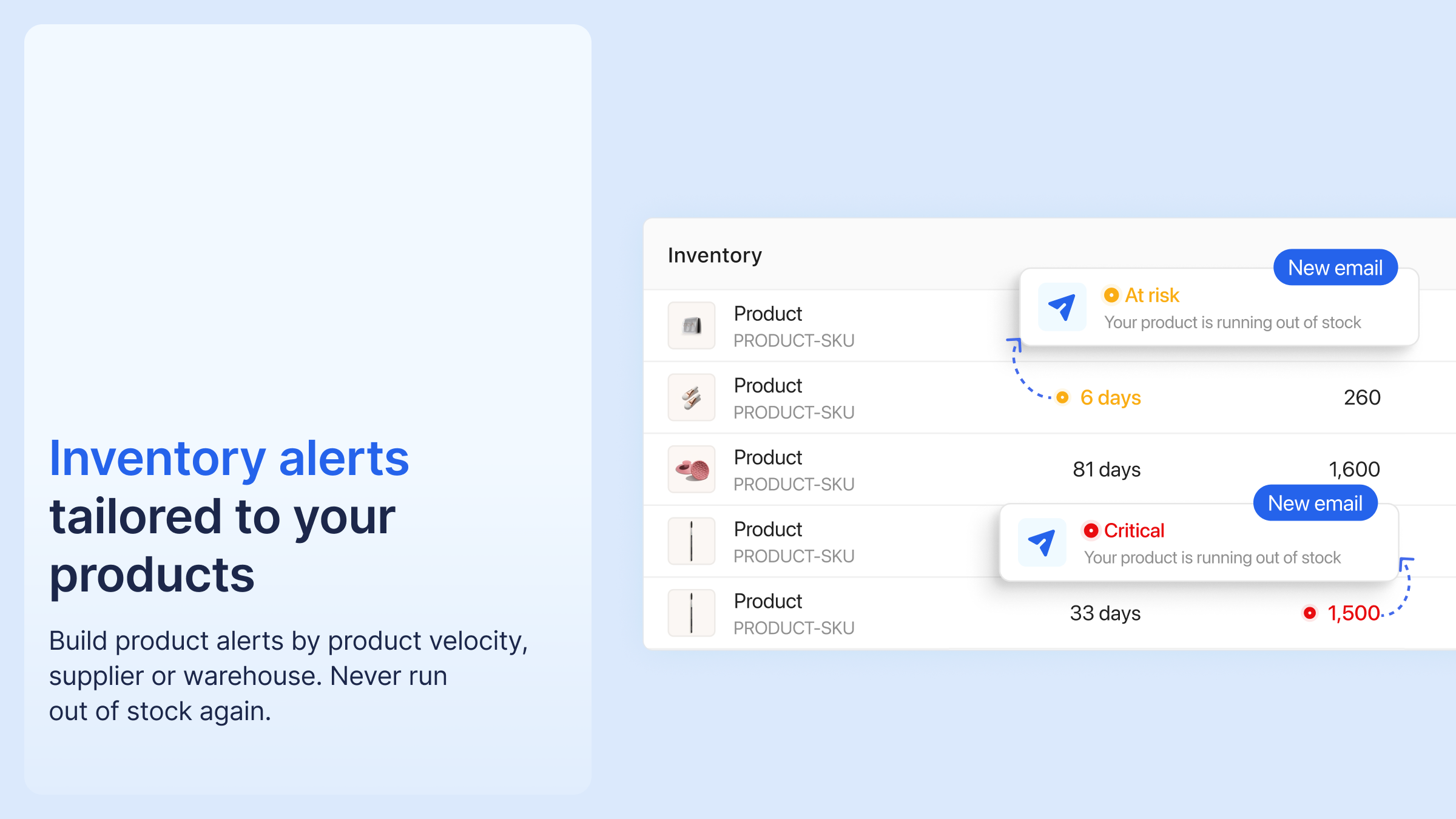
You can now create inventory alerts that email the people you choose when stock is at risk. Create as many as you need.
Each alert uses one of two triggers:
- Low stock: available units drop below a number you set (use 0 to hear only about full stockouts).
- Days of inventory remaining: current stock will run out within a set number of days, based on recent sales.
Scope each alert to one or more warehouses first, then to the products inside them: all of them, or a subset by tag, by supplier, or a list you pick yourself. That lets you set different thresholds for fast and slow sellers, match days-of-inventory alerts to each supplier's lead time, or watch a single warehouse.
When a product crosses a threshold, the people you picked get an email and the product is flagged in your Inventory list.
To use it: open your Inventory list → Alerts → name the alert and choose who's notified → pick the trigger → choose the warehouses and the products it covers.




%20(1).png)





%20(1).png)
.png)

.png)


%20(1).png)


