See how much stock you have and what it's worth
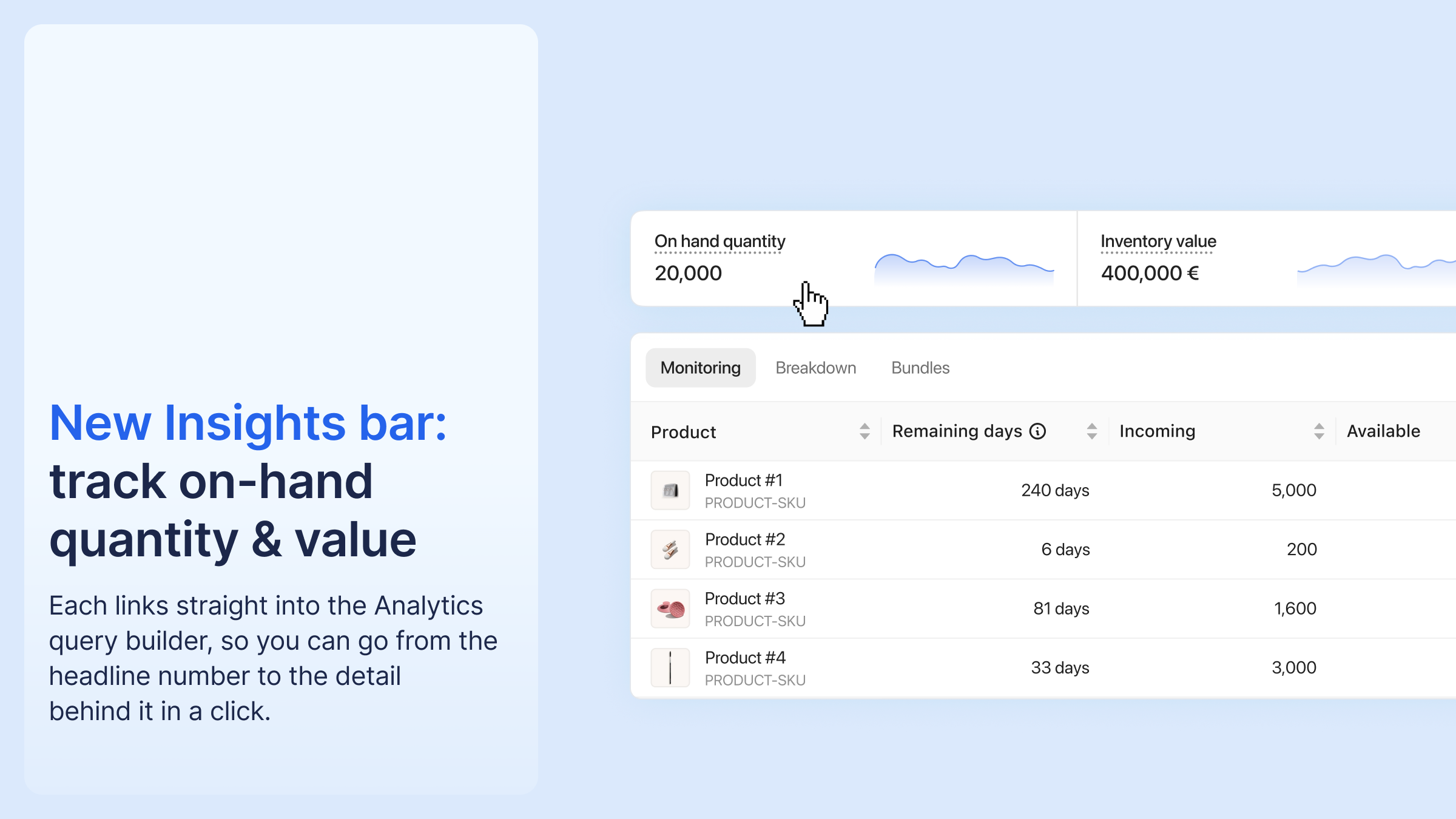
Your Inventory list now has an Insights bar at the top with two figures across your whole catalogue: total on-hand quantity and total inventory value. Each links into the Analytics query builder.
Inventory value is calculated as on-hand quantity × unit cost. It uses the landed cost you record on inbound shipments, and falls back to the product value from Product Details otherwise. A tooltip on the figure tells you which method is in use.
On Advanced and Plus, Inventory Insights adds history: quantity, value, and volume over time, broken down by warehouse and product. Stock age is already available in Analytics. Inventory turnover and ABC classification are on the way.
To use it: open your Inventory list for the live figures, or click through to Analytics for the detail behind them.




%20(1).png)





%20(1).png)
.png)

.png)


%20(1).png)


