Product tags, suppliers, and bulk edits
Three additions to product management: suppliers, tags, and bulk editing.
You can now add a Supplier and Tags to any product, from the product page or through the import. Suppliers link each product to who makes it, which sharpens inventory analysis and lets you build restock alerts around each supplier's lead time. Tags are free-form labels, collection, season, an ABC classification, and they power product grouping in Inventory alerts, with Analytics support on the way.
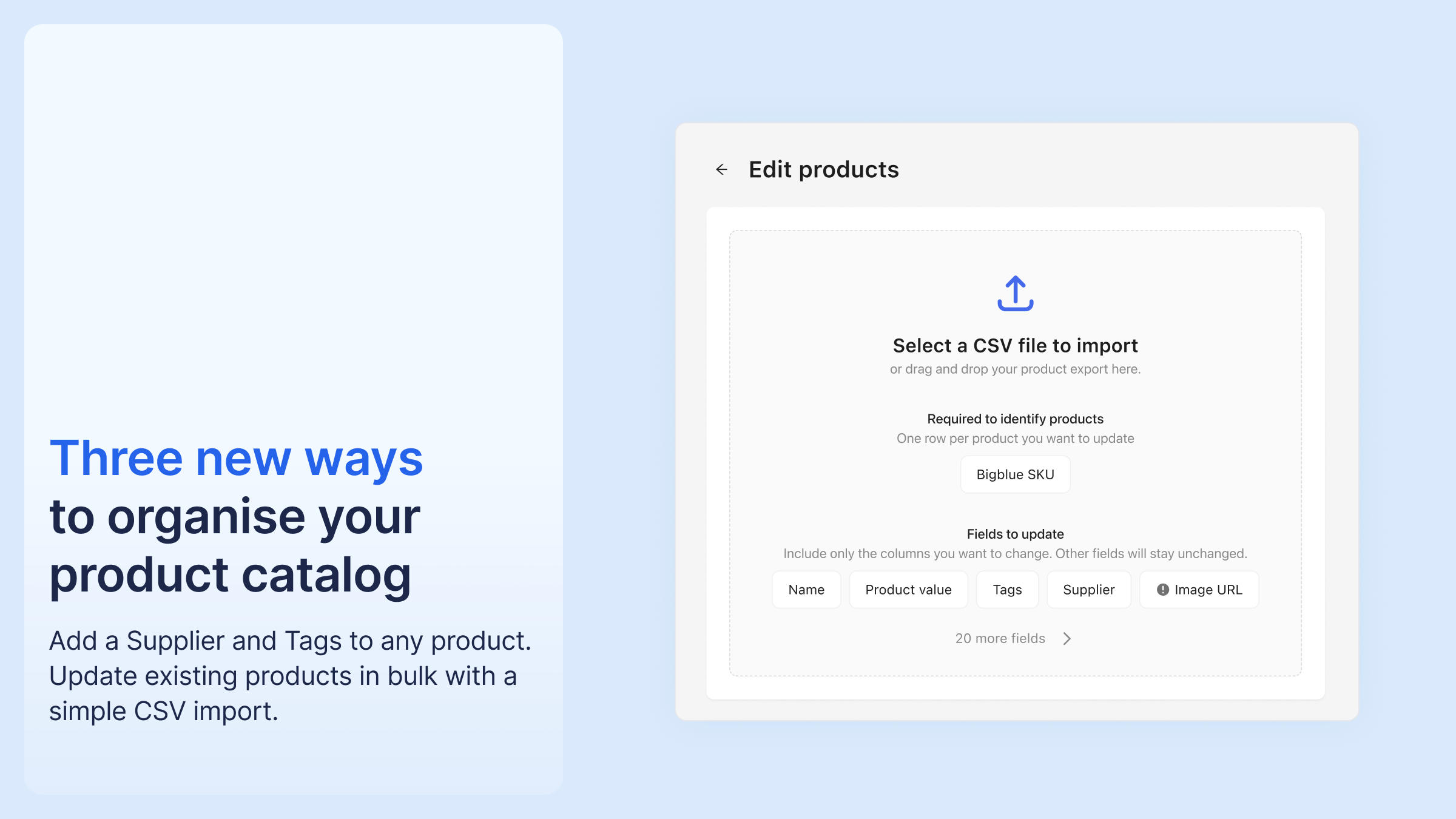
Bulk editing comes through the product CSV import, which now updates existing products as well as creating new ones. Put the Bigblue SKU in the first column, fill in only the columns you want to change, and import the file. It's the fastest way to correct information or fill new fields across hundreds of products at once.


%20(1).png)



.png)




%20(1).png)
.png)
%20(1).png)


