Packaging stock and setup, now in one place
Improved
New
Design
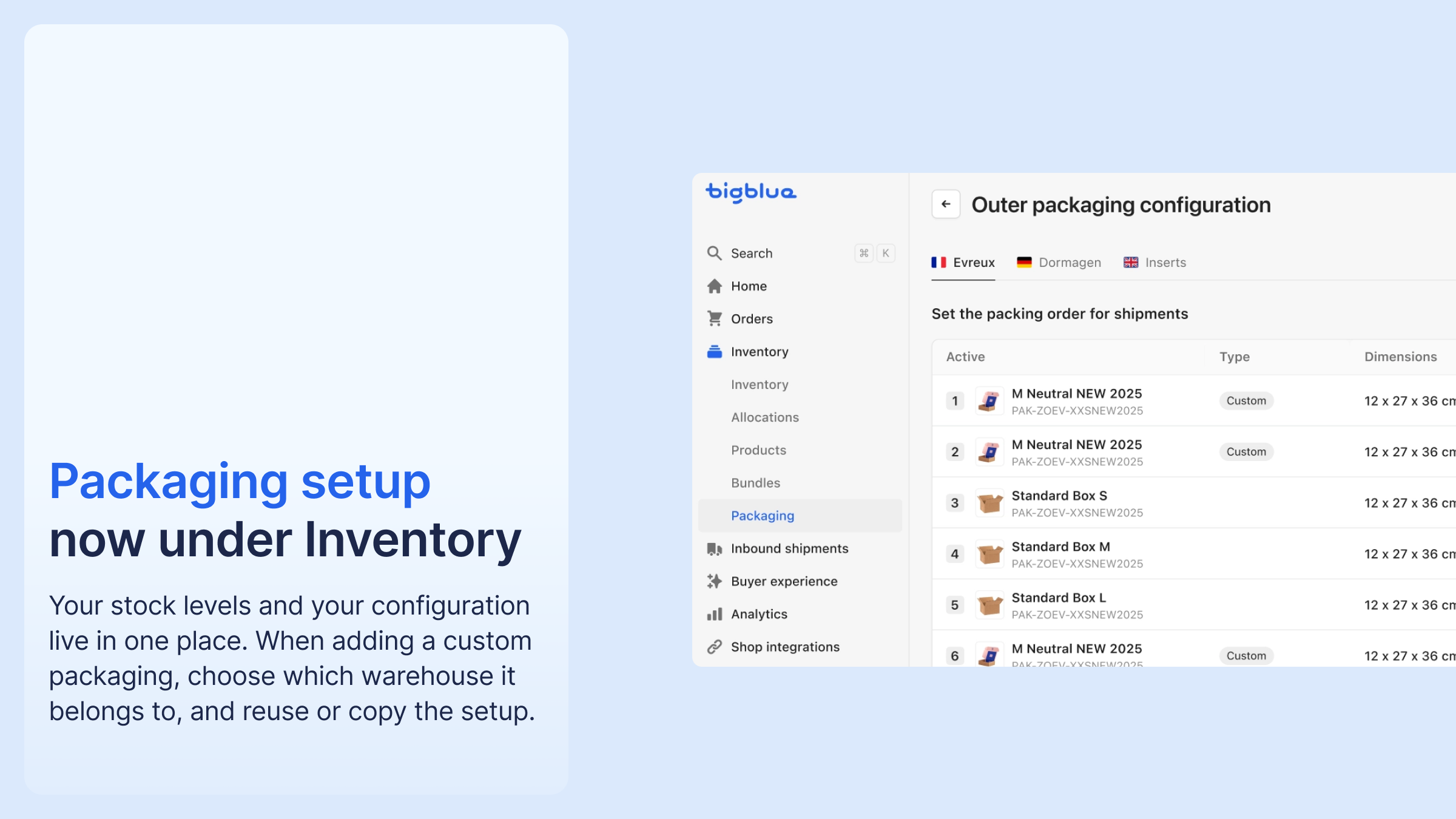
Packaging setup has moved into the Packaging inventory page, which is now the single place to manage packaging. The legacy Packaging settings page is deprecated.
Custom packaging is assigned to a specific warehouse, and you can reuse or copy the configuration from a warehouse you have already set up. Warehouse packaging statuses are explicit, Requested, Active, Inactive, with auto-activation once the required warehouse fields are filled. Flyers can also be edited through Workflows: a flyer that appears inactive by default can still be replaced by a workflow.
The legacy link may still appear for now and redirects to the Packaging inventory page.


%20(1).png)



.png)




%20(1).png)
.png)
%20(1).png)


