Redirect positive reviews to Trustpilot or Google
New
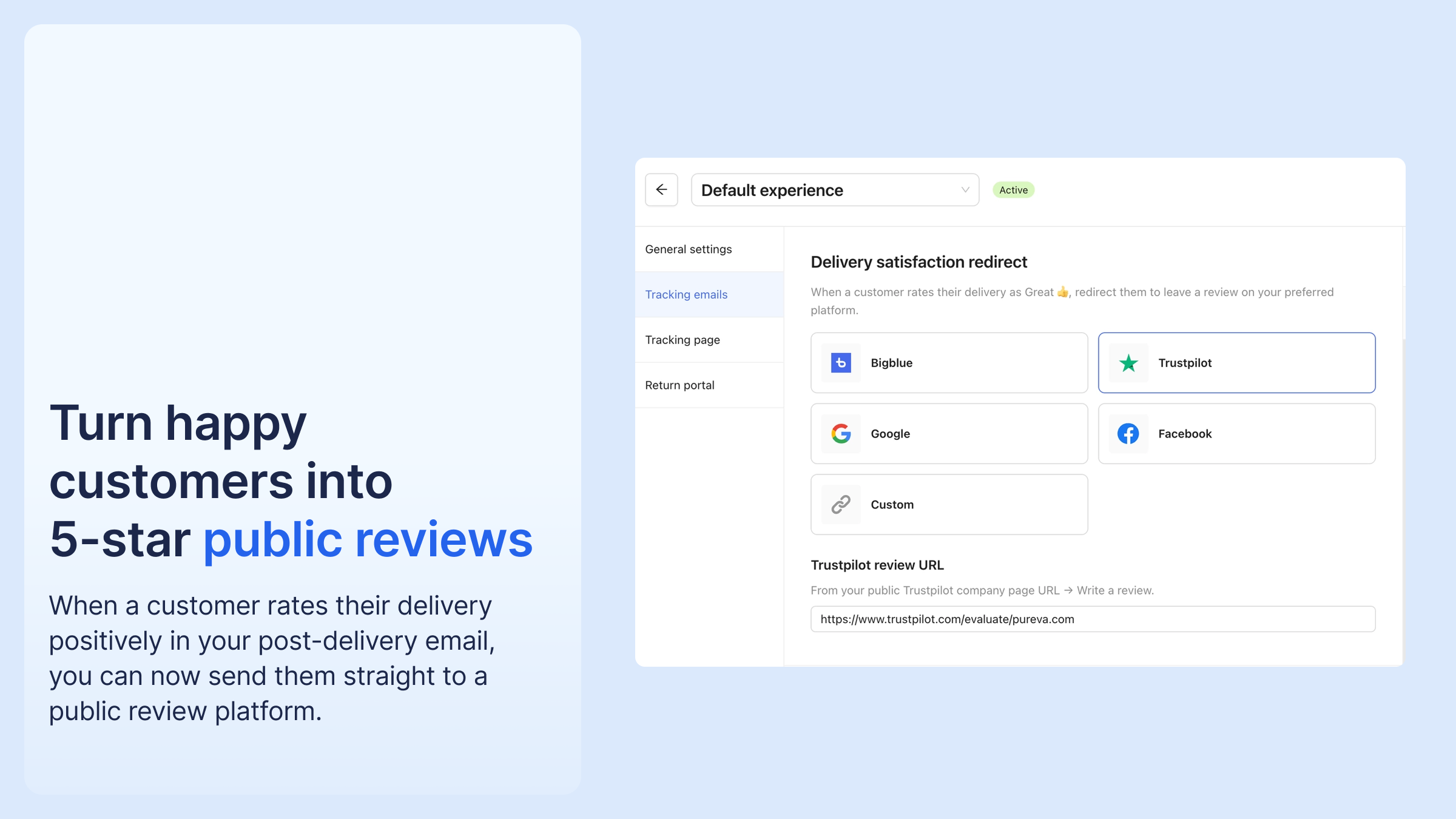
When a customer rates their delivery positively in your post-delivery email, you can now send them straight to a public review platform — Trustpilot, Google Reviews, Facebook, or any custom URL — instead of the Bigblue comment page.
A thumbs-up opens your review page. Negative ratings stay on the Bigblue form, so you keep that feedback private. Redirections are recorded on your Buyer satisfaction page, next to each rating.
To use it: go to your email settings, pick your platform, and paste your review link.


%20(1).png)



.png)




%20(1).png)
.png)
%20(1).png)


