Keep certain products hidden from buyers
New
Improved
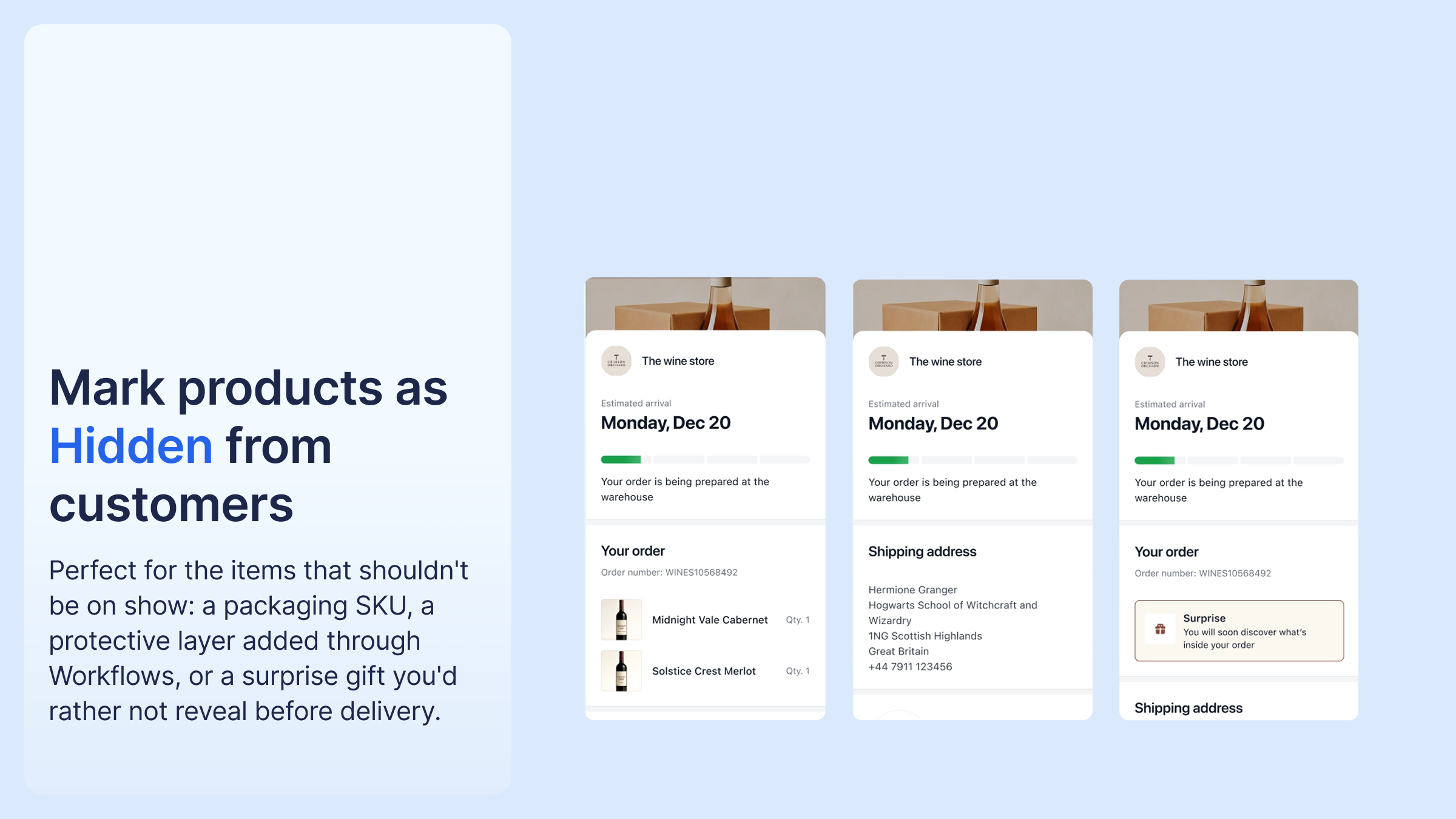
There is a new Hidden from customers checkbox on the product edit page. A hidden product stays in the order for your operations and automations, but is removed from everything buyers see: the tracking page, tracking emails, and the return portal.
It is intended for items added through Workflows or as bundle items, such as a packaging SKU or protective layer, or a gift you don't want to reveal before delivery.
The setting applies at product level, so it holds on every order. Set it on the product edit page.

%20(1).png)



.png)



%20(1).png)
.png)
%20(1).png)


